Bloom
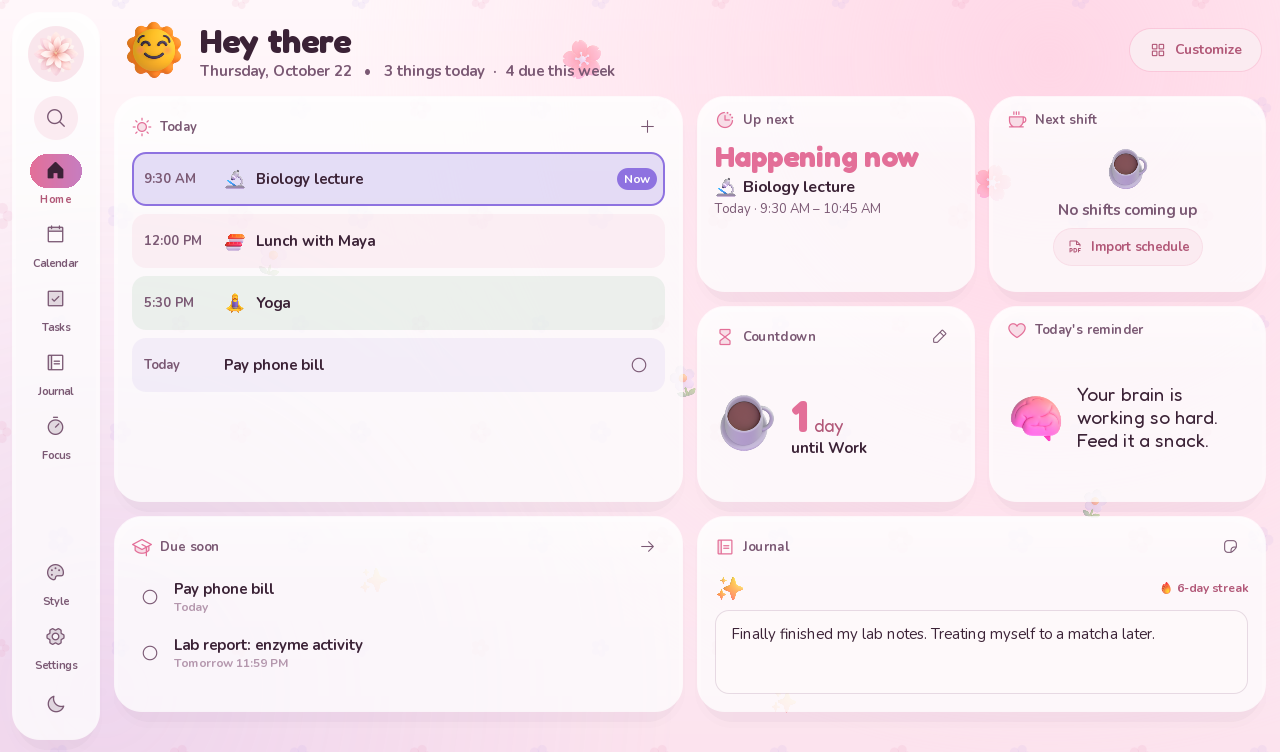
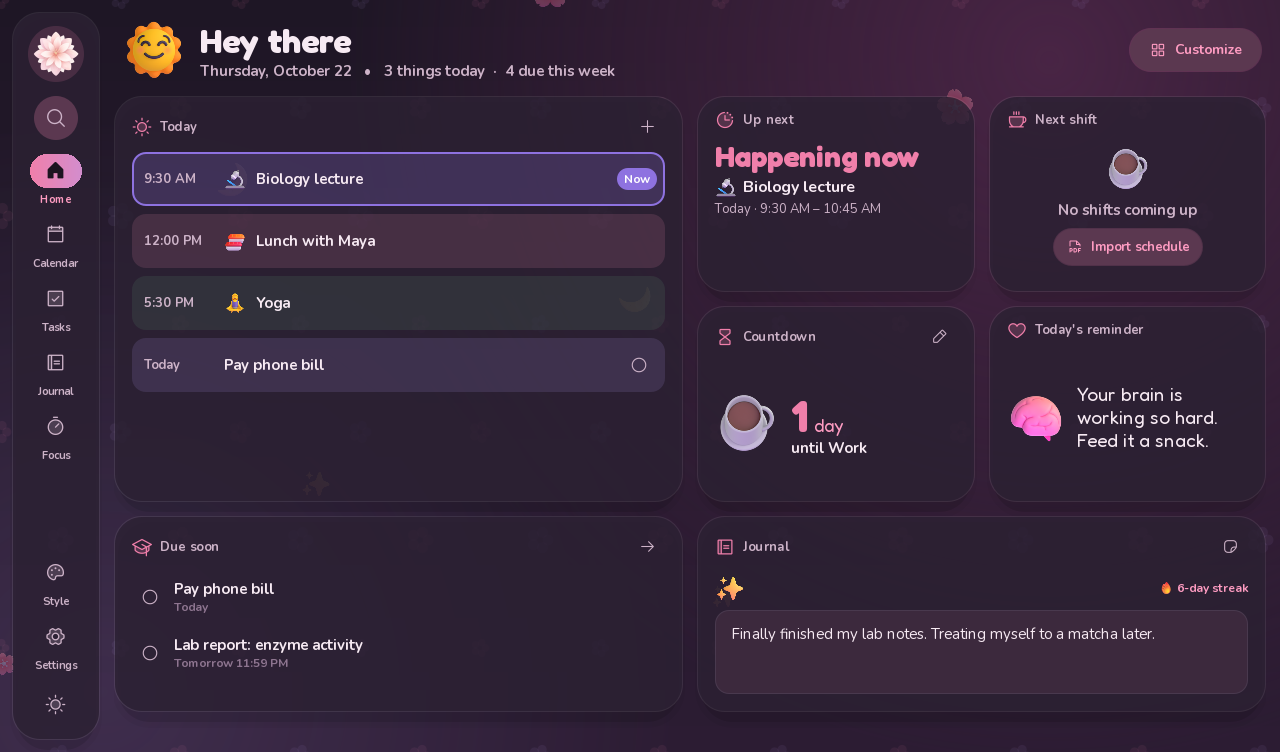
A cozy planner for Windows: a calendar, tasks, a journal and a home screen of widgets, all in one place, with themes that dress up for the holidays. Made to feel good with a touchscreen or a mouse and keyboard.
Calendar
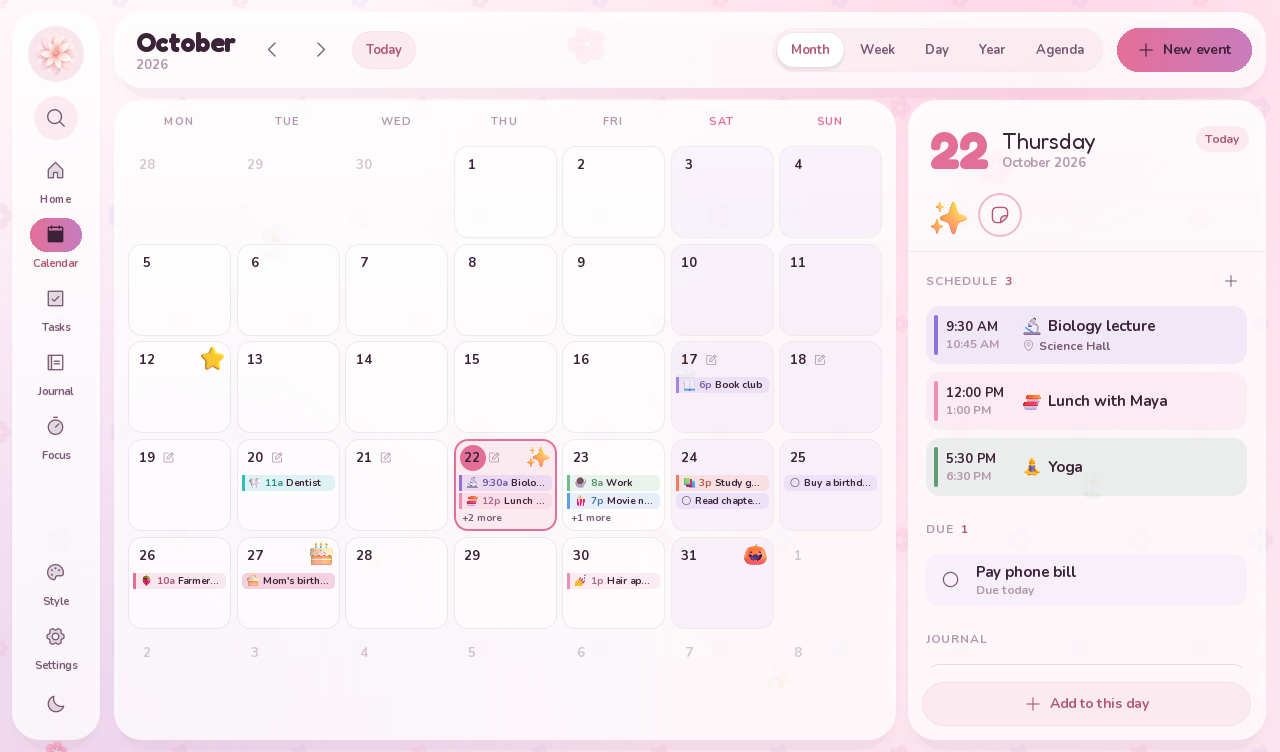
Month, week, day, year and agenda views. Several events a day, repeating events and reminders. Drag an event to move it, or drag its edge to change when it ends.
Tasks & school
Tasks grouped by when they are due, with classes and steps. Print a Canvas syllabus to PDF and every assignment becomes a task with its due date.
Work schedule
Import your Starbucks Partner Hours schedule from its printed PDF. One tap copies the next week of shifts, ready to paste into a text.
Journal & stickers
A note for every day, a streak to keep going, search, and hundreds of 3D stickers for your days and events.
Make it yours
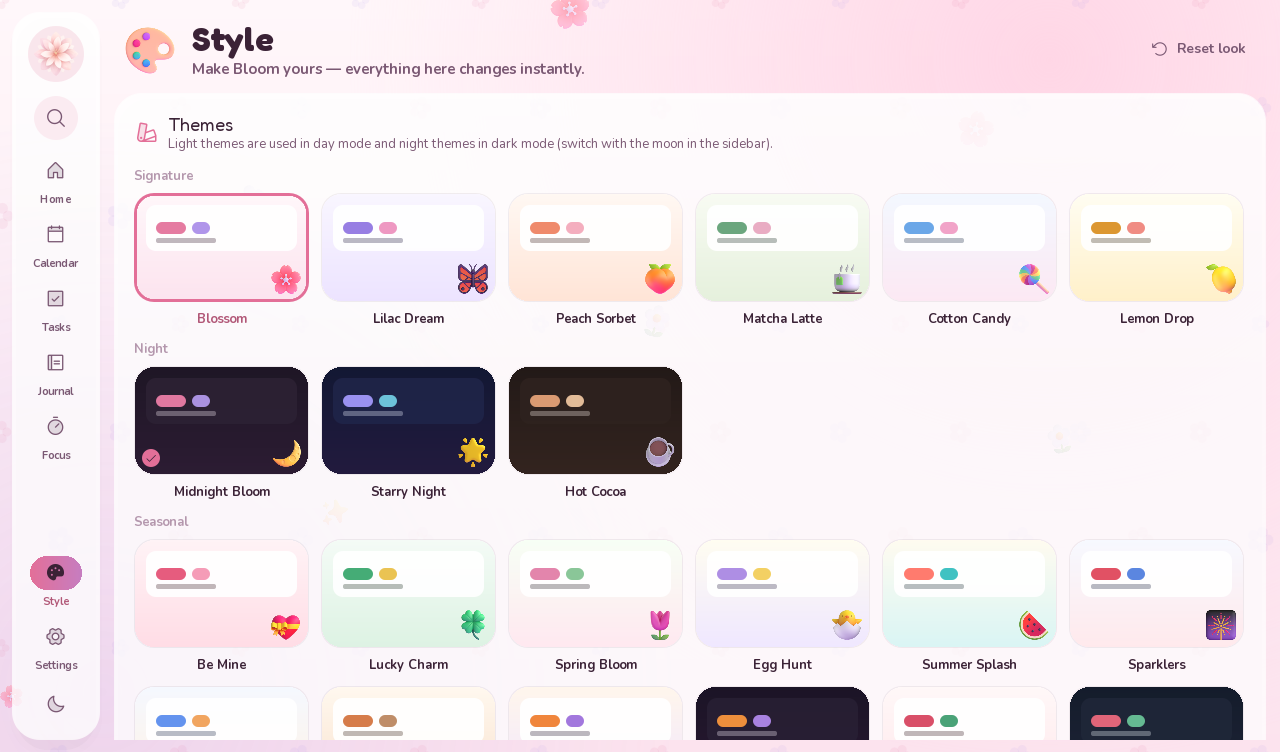
24 themes, holiday themes that switch on their own, your own wallpaper, colors, patterns and 70+ fonts. A home screen of widgets you can arrange.
Yours, on your PC
Everything stays on your computer, with a backup every day. Bloom checks for updates and asks before installing one.
Before you install
- Windows 10 or 11.
- There’s no installer: unzip the download and run BloomPlanner.exe. Keep it somewhere you’ll find it, because Bloom updates itself in place.
- Windows may say it protected your PC, because Bloom isn’t from the Microsoft Store. Choose More info, then Run anyway.
- Bloom starts with Windows and waits in the system tray so reminders can pop up. You can turn that off in Settings.
What’s new in 2.1.2
Small cleanups throughout. The source download now includes just the code and a README.
Released 2026-10-22.